
Ring Light Effect in PicsArt – Complete Step-by-Step Guide

Creating a professional ring light effect can instantly upgrade your photos, by making them look like studio-shot, clean, and eye-catching for viewers. With PicsArt photo editor, you don’t need expensive lighting equipment or a real photo studio setup. This tutorial will walk you through exact steps to create a realistic ring light glow using PicsArt’s powerful photo and video editing tools.

Whether you’re editing portraits, selfies, or social media visuals, this guide is beginner-friendly and works smoothly on mobile and PC versions of PicsArt Apk.
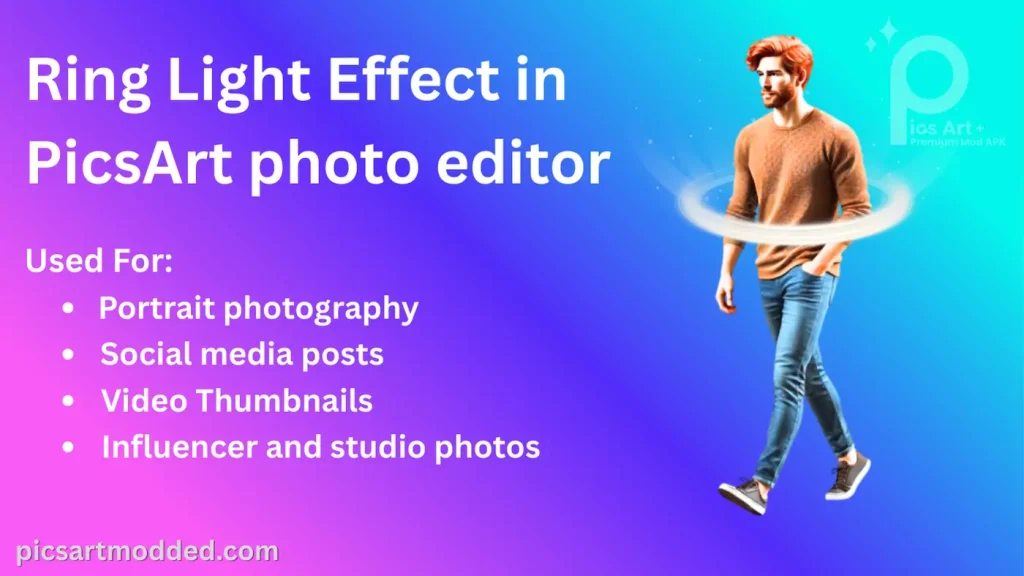
Ring Light Effect in PicsArt photo editor

What Is a Ring Light Effect?

A ring light effect creates a soft circular glow around the subject, usually focused on the face or upper body as you can see in above picture. It’s widely used in:

  • Portrait photography
  • Social media posts
  • Video thumbnails
  • Influencer and studio photos

Step-by-Step Guide:

Step 1: Open Your Image in PicsArt

  • Launch PicsArt photo editor
  • Tap Create and select your photo
  • Choose a clear image where the subject is centered

Portrait photos work best for this effect.

Step 2: Add a New Layer

  • Tap Layers
  • Select Add New Layer
  • This layer will be used only for the ring light

Keeping effects on separate layers helps maintain full control while editing.

Step 3: Draw the Ring Shape

  • Go to DrawShape
  • Select Circle, set to white
  • Draw a circle around the subject’s face (not touching it)

Adjust the size so it looks natural, like a studio ring light.

Step 4: Create the Hollow Ring

  • Duplicate the circle layer
  • Resize the duplicate slightly smaller
  • Erase the center portion or use blending to create a hollow ring

This step gives the effect its realistic ring structure.

Step 5: Apply Glow Effect

  • Select the ring layer
  • Go to FX → Blur → Gaussian Blur
  • Adjust blur strength until the glow looks soft
  • Lower the opacity to around 40–60%

This transforms the shape into a smooth light glow.

Step 6: Change Blending Mode

  • Open Layer Settings
  • Set blending mode to Screen or Soft Light
  • Fine-tune opacity for realism
  • Lower the opacity to around 40–60%

Blending modes help the light blend naturally with the photo.

Step 7: Enhance Lighting on Subject

  • Duplicate the original photo layer
  • Add slight Brightness & Contrast
  • Increase highlights gently

This simulates how a real ring light illuminates the face evenly.

Step 8: Final Touches

  • Adjust overall color balance
  • Add light sharpening
  • Crop if needed

Avoid overdoing effects, soft editing looks more professional.

Conclusion

The ring light effect is a powerful way to make your photos stand out, and PicsArt mod apk makes it accessible and easy for everyone whether you are a beginner or a professional. With practice, you can create professional-looking edits suitable for social media, portfolios, or creative projects, all from a single photo editing app.

Take your time experimenting, and don’t hesitate to customize the glow to match your style.

FAQS (Frequently Asked Questions) about Ring Light Effect in Picsart

A few quick questions that could arise in your mind:

PicsArt offers both free and premium features. You can create a basic ring light effect using the free version of the PicsArt photo and video editor, but premium (Gold) features give you more overlays, effects, and advanced editing options for a more polished result.

Yes. The steps are almost the same across PicsArt on Android, iPhone, iPad, and PC. The interface may look slightly different, but all core tools overlays, modes, opacity, and filters are available on every platform.

If you adjust opacity, blur, and positioning correctly, the ring light effect can look very natural. PicsArt works like a mini photo studio, allowing you to control light intensity and shadows so the effect blends smoothly with your face.

Yes, this effect is perfect for Instagram posts, reels, TikTok thumbnails, and profile pictures. Ring light edits make photos brighter, sharper, and more eye-catching, which helps improve engagement on social media.

Yes. You can combine the ring light effect with filters, stickers, background blur, and color grading. This helps you create unique edits and high-quality visuals using a single photo editing app.

Overusing effects can sometimes lower quality, especially if opacity is too high. To keep your image sharp, use subtle adjustments and export in high resolution. PicsArt allows you to save images in good quality when used correctly.

Yes. While PicsArt is beginner-friendly, many creators use it for professional-looking photo edits, thumbnails, and brand visuals. With the right adjustments, your ring light effect can look clean, modern, and studio-style.